

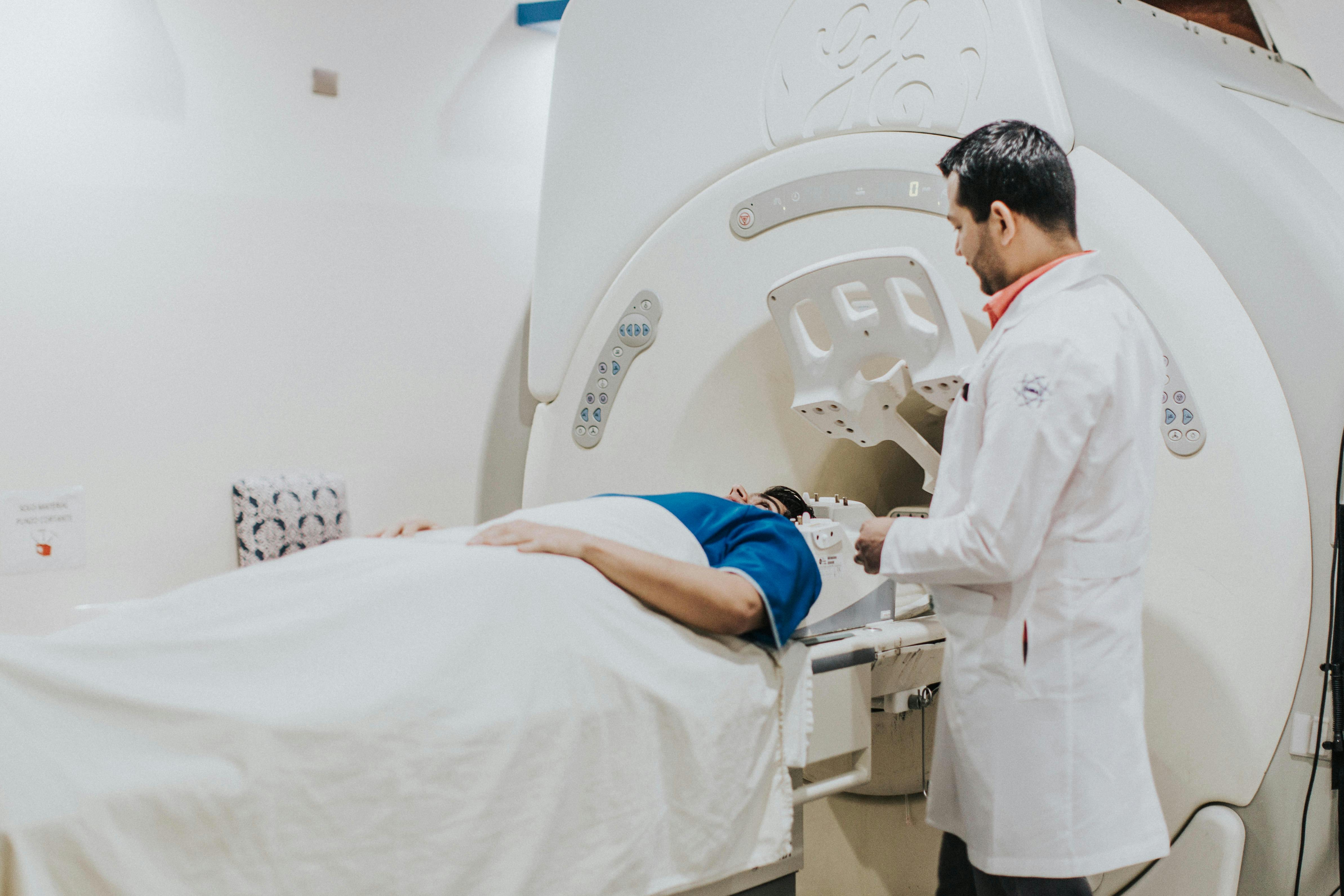
Somewhere in your local hospital, a storage room holds a server rack. Nobody has dusted that rack since the iPhone 4 came out. It’s full of years of MRIs, CTs, and ultrasounds. Yet almost no one on the staff knows what’s actually in there. I’ve seen three health systems decommission hardware like that, and the pattern is always the same.
No one wants to be the chap who deletes a scan a surgeon might need down the track. So it just sits there, quietly accruing cost, until someone sufficiently senior makes the call to do something about it. If you work in any imaging operation at all, you’ll face that decision at some point.
Imaging departments that run click to see how enterprise imaging platforms fold radiology, cardiology, and bedside captured images into one viewer already understand why the old archives matter: they hold the comparison studies a radiologist reaches for first.
So what actually happens to that archive? Here’s the decision process (no vendor slides).
Why Old Images Never Just Get Deleted
The reflex is to dismiss old data as useless. It’s not. An old study from four years ago can be the single most useful image in the current read. After all, comparison is how you spot change. For example, a nodule that was exactly the same in 2019 and 2023 looks very different from one that has grown. In short, your old archive isn’t clutter. It’s clinical context.
There’s also a record-keeping obligation. Under HIPAA, the Department of Health and Human Services establishes the national floor for protecting patient information. That floor covers how long you must keep records and how you deal with access requests. State rules and your own medical staff by-laws typically sit on top of that floor. However, they don’t tend to agree with each other.
Then there’s the cost nobody ever budgets for. The old imaging archives are a nightmare to keep going, because they run on hardware generations that no longer exist. If a part fails, you have to buy it from a reseller who knows you have no alternative. That’s not a security issue. In fact, that’s a hostage situation.
Save What Pays for Itself
I have a fairly crude triage system when I’m helping teams go through a legacy archive: the 90/7/3. First, approximately 90% of the old studies are just reference material that needs to be readable and nothing more. Next, clinicians will likely pull around 7% for comparison at some point in the future. Finally, the last 3% connect to an open case, an implant, or a legal hold.
Guess which of those groups need hot, fast, fully indexed storage. Sorting it that way completely changes the technology question. You’re not asking whether to keep it all. Instead, you’re asking what level of access each tier requires, and that in itself changes your budget.
Here’s the planning step I’d push first, actually: build one master index before any of the movement. Make it a single searchable record that says where every study is, what format it’s in, and which system it comes from. Without that list, you’re just doing archaeology every time you move a tier. With it, though, you can move a tier at a time. You can also show the execs you’re making progress.
Vocabulary matters here too. Most hospital IT teams already map their controls against the National Institute of Standards and Technology cybersecurity framework. The core idea is to identify what you have before you try to protect it. In practice, that applies just as much to 14 terabytes of dusty DICOM files as it does to network endpoints.
The Vendor Questions People Forget
When you’re consolidating an archive into a modern system, the sales conversation is all about the viewer and the price. However, people very rarely ask the questions that actually determine whether the project will work. I maintain a short list, and I’d put it on any project kick off:
- How does the system ingest a 12 year old DICOM study with non-standard tags? Show me on my data, not some demo set.
- Does the platform know which of the prior studies are from the same patient when the identifiers have changed over the years?
- What happens to the stored objects if we terminate the contract? Do we get them back, and in what form?
- What department owns the worklist for images taken outside of radiology (e.g., wound photos, cath lab images)?
That last one really trips people up. Images originate all over the hospital, and none of them actually live in the radiology queue. The systems built just for radiology tend to leave the images there. By contrast, the systems built for enterprise imaging assume the rest of the hospital exists. As radiology moves further into enterprise imaging workflows, that assumption goes from being a nice-to-have to being the actual job.
The non-standard tag question seems rather dull. It’s not. Migration projects don’t tend to fail because of large files. Instead, they fail on a batch of studies from one scanner model that simply didn’t write standard metadata. The team then finds the problem in the middle of the transfer.
The Migration Weekend Nobody Warns You About
Here’s a real-life scenario with some real texture. A mid-sized hospital in the Midwest did their archive consolidation over a Friday to Sunday window. Friday night, the transfers were running at about double the projected rate. Then, on Saturday morning, a tech rang the on-call engineer because the weekend MRI on a stroke patient had no comparison studies on the worklist at all. Yet she was absolutely certain that the hospital had scanned that patient there twice previously.
The images were excellent. They were still moving. The index just hadn’t caught up, so the viewer didn’t know to look for them. We paused the transfer, rebuilt the patient linking pass, and finished on Sunday afternoon. Fortunately, we lost no data. The chief of radiology just spent a Saturday morning in frustration with a system that looked broken.
Lesson: never run a migration on a weekend without having someone with imaging credentials available. That person should look at the view from the reading room, not just the database. Also, test the prior lookup path on day one, as that’s the one the clinicians will use and notice first.
Where the Old Scans Actually Go
Eventually every hospital makes one of four decisions. First, you move the studies to a new platform. Second, you leave them where they are and just pay for a maintenance extension. Third, you archive them to cold storage with a retrieval window (often a day or two). Or, finally, you simply retire the data in accordance with your records retention policy, with the requisite documentation and approval.
That last one is more common than you’d imagine, and that in itself makes people apprehensive. It shouldn’t, if policy properly underpins it and there’s a signature on it. For instance, the U.S. Department of Veterans Affairs have published their own health record retention schedules. That’s a good example of how seriously an organization takes the issue of what to retain and for how long. Your legal, privacy and records officers should also agree the schedule in writing before anyone purges a single item. In most cases, the metadata should outlive the images.
If I had to pick one path for a typical community hospital, I’d go in with a platform that does the radiology and the rest of the enterprise on day one. I’d keep the comparison tier hot and push the long tail into cold storage with a documented retrieval agreement. Paying maintenance on three generations of legacy hardware so that a tiny bit of old data stays immediately available is a terrible proposition. In fact, the execs will almost certainly know that the moment they see the invoice.
What to Do With This on Monday
You don’t need a budget to get going. Just pull the storage inventory and count the studies and the number of years they span. Then write down how many of those studies a clinician has actually touched in the last 12 months. That number is invariably going to be less than leadership would like, but that’s the argument that gets the project moving.
Then pick a retirement date for one of the legacy systems and work backward from that. A plan that has a date on the calendar gets funded. By contrast, a plan that exists in a slide deck does not.
Here’s the question I’d leave you with regarding your team: how many of the studies in that dusty rack would a radiologist actually pick up in the next year? If your honest answer is “not many,” then you already know what to do. The only thing left is to name the person who will do it.
